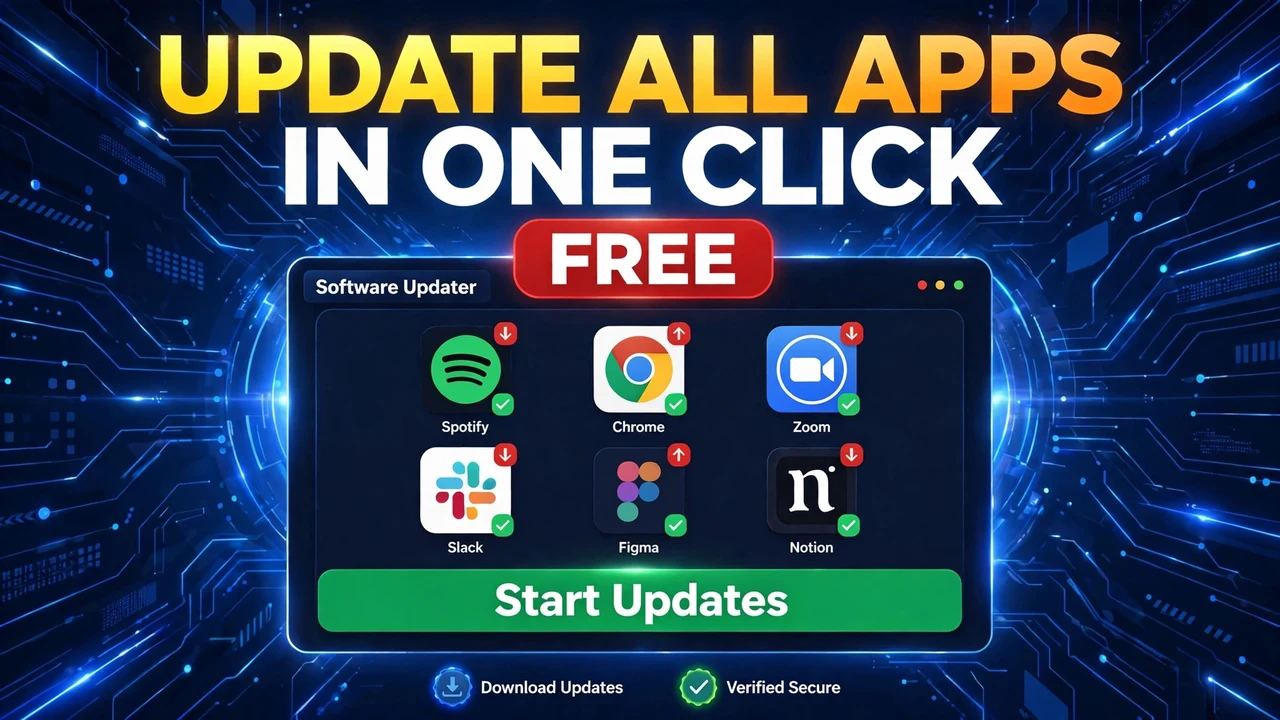
Update All Your Software in One Click
Patch My PC Home Updater updates all your outdated software in one click and installs 550+ apps from one library. Free download, full tour, honest limits.

Patch My PC Home Updater updates all your outdated software in one click and installs 550+ apps from one library. Free download, full tour, honest limits.
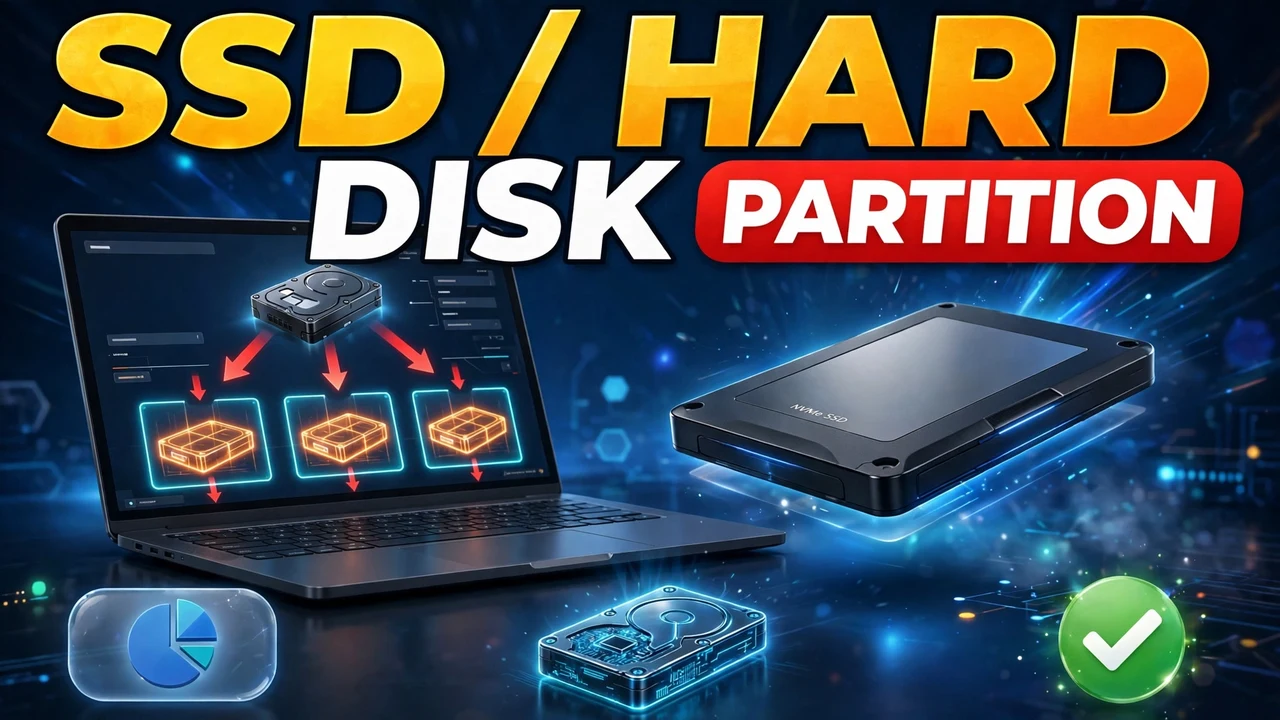
Partition a hard disk or SSD in Windows 11/10 with Disk Management: the GB x 1024 + 100 formula for exact sizes, creating volumes, and shrinking or extending them later.
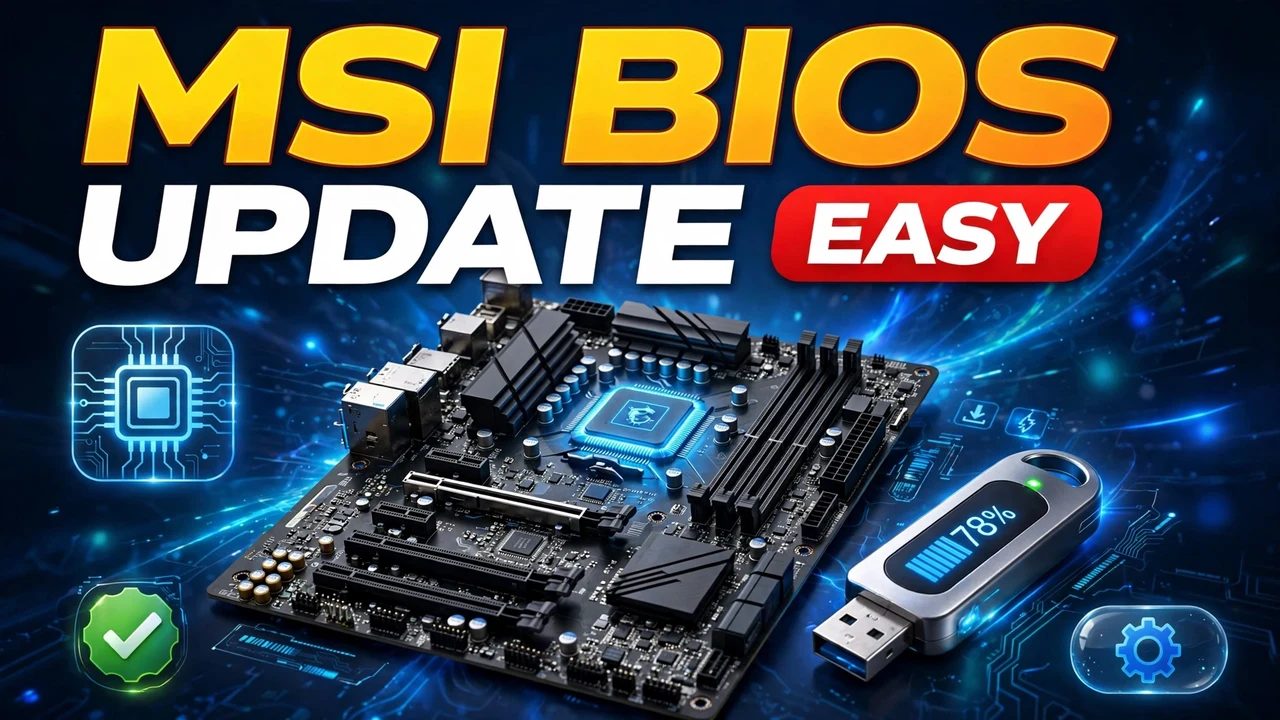
Update an MSI motherboard BIOS with M-Flash: verify your exact model four times, download the latest file, prepare a FAT32 USB drive, flash safely, and handle the PIN reset afterwards.
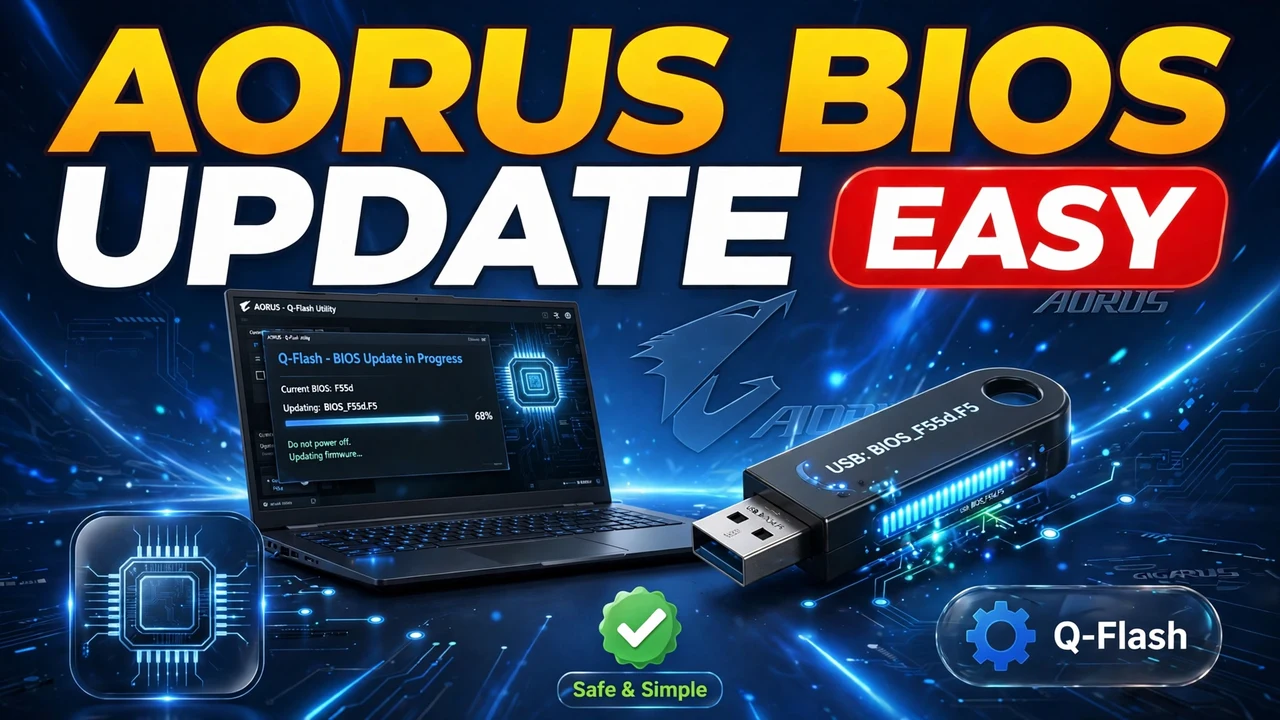
Update a Gigabyte AORUS motherboard BIOS with Q-Flash: check your version with CPU-Z, download the exact file, prepare a FAT32 USB drive, flash, and verify — plus the power warning that matters most.
Mirror your phone screen to a Windows PC with no app and no cable. Install Wireless Display, set Projecting to this PC, cast with Smart View or Cast, and record on the PC — plus fixes for when the PC does not show up.
Windows 11 26H2 hides half its new features. Learn how to unlock them with ViVeTool, move and resize the taskbar, control the Start menu, use the new Run dialog and Screen Tint, and reinstall with Cloud Rebuild — plus what still will not switch on.
A padlock icon appeared on your drive in Windows? It is usually BitLocker encryption, not a lockout. Learn how to tell a padlock overlay from a truly locked drive, turn BitLocker off, and move drives between computers safely.
Tired of lifting your Mac mini M4 to press the power button underneath? A macOS update adds a Start up when power is connected option in Energy settings — set it to Always and your Mac mini boots itself whenever power reaches it.
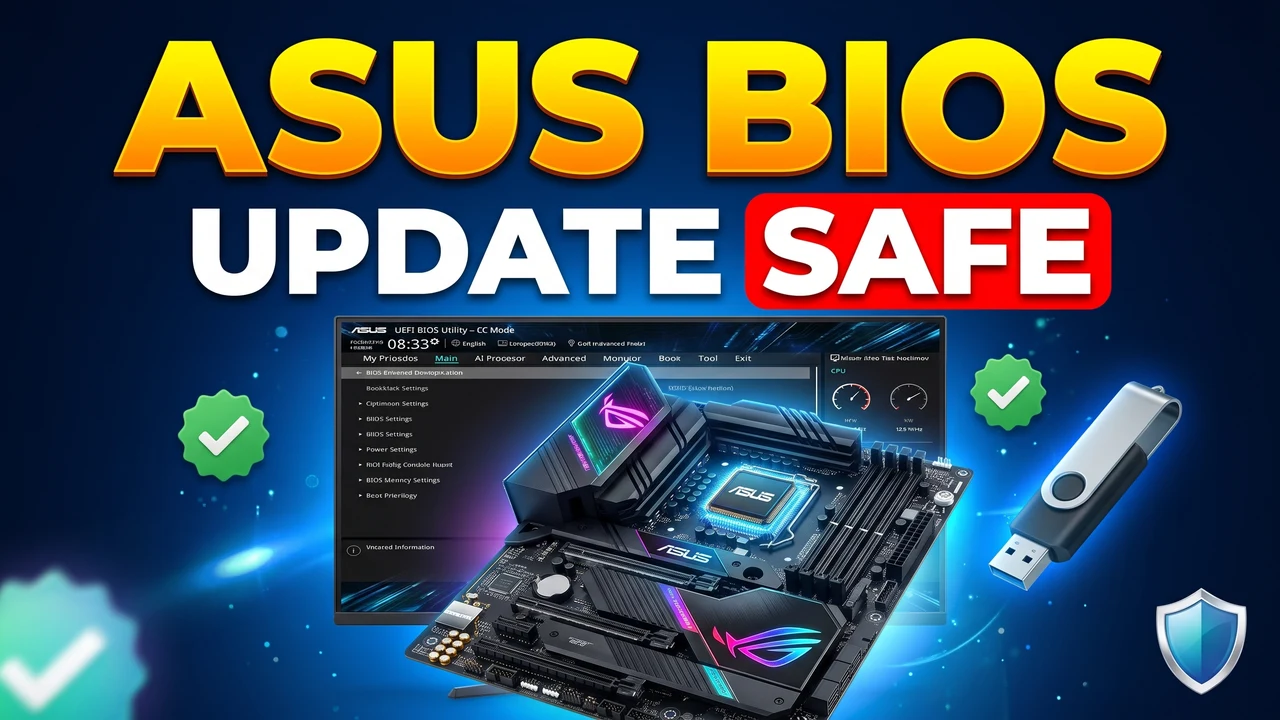
Updating your ASUS motherboard BIOS safely: find your board model and current version with CPU-Z, download the right stable BIOS from ASUS, prepare a FAT32 pen drive, flash with EZ Flash 3, and handle the post-update restarts and PIN reset.
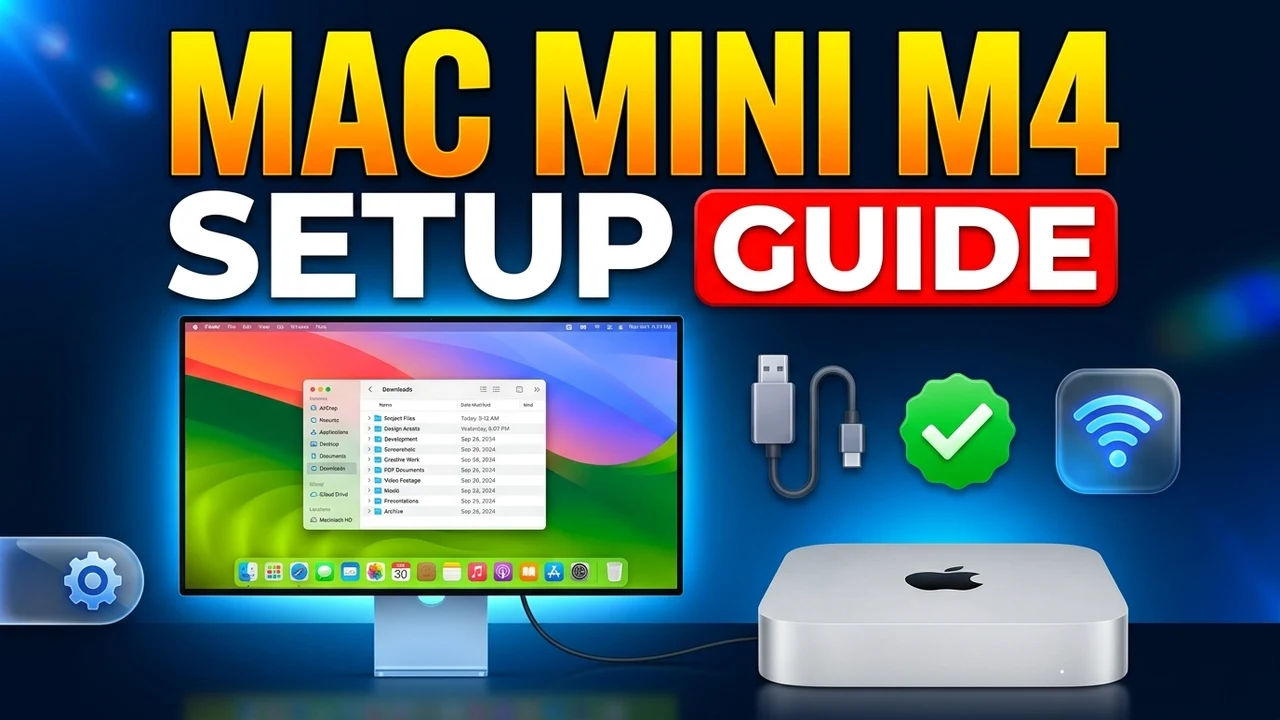
Setting up a new Mac mini M4? This first-time guide walks you through every screen: connecting a monitor, Wi-Fi, skipping migration, creating your account, the privacy choices, signing in with an Apple Account and the big first update.